How to find the Church Building Schedule in Church Center
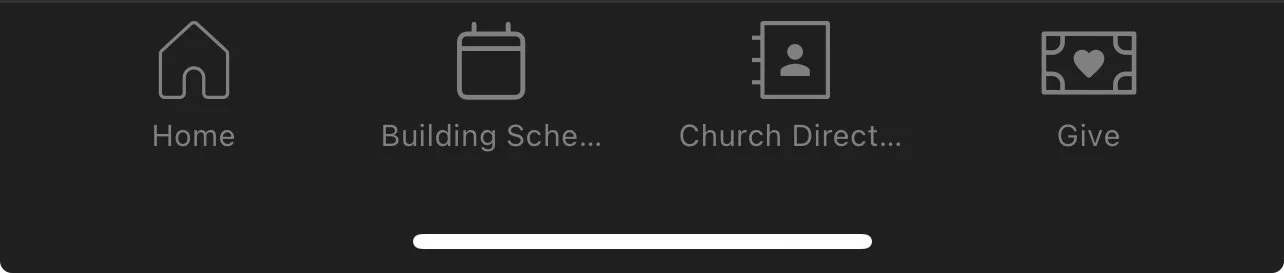
In the mobile app it's along the bottom of the screen...
...and on the web it's along the top right.

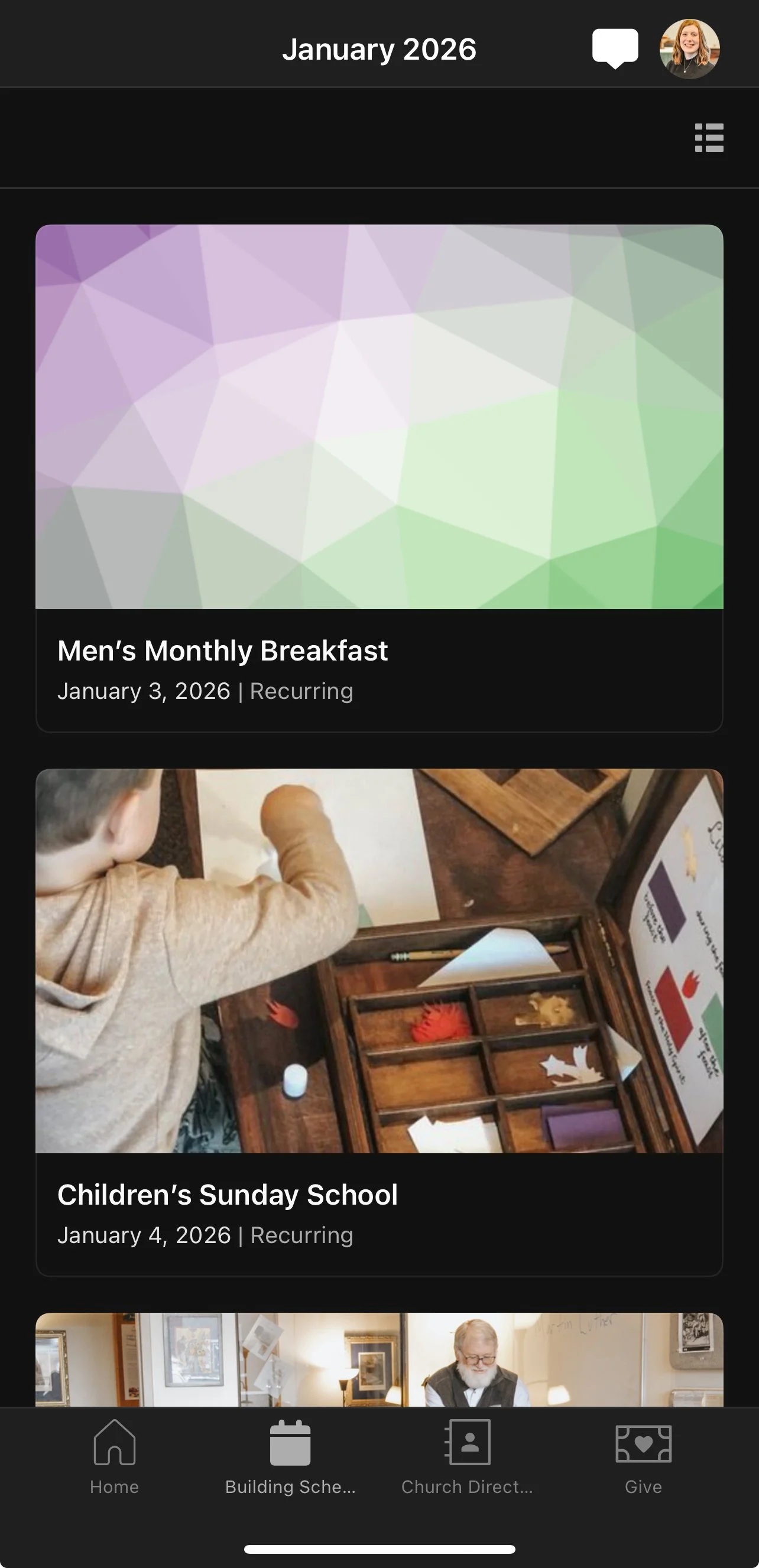
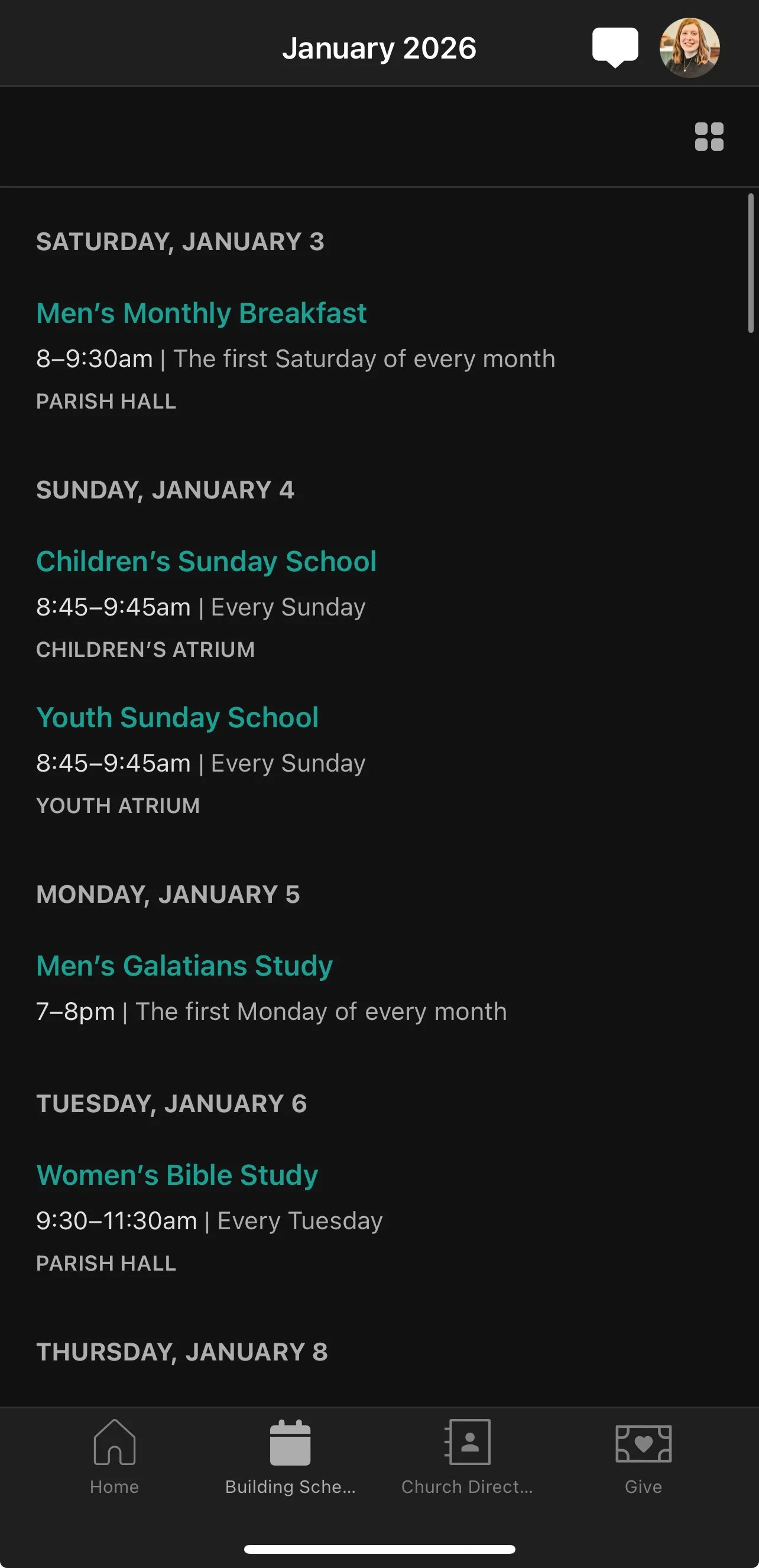
Here you can toggle between event mode and list mode by clicking the “list” or “square” button in the R corner, to see the different events happening at the church each week.
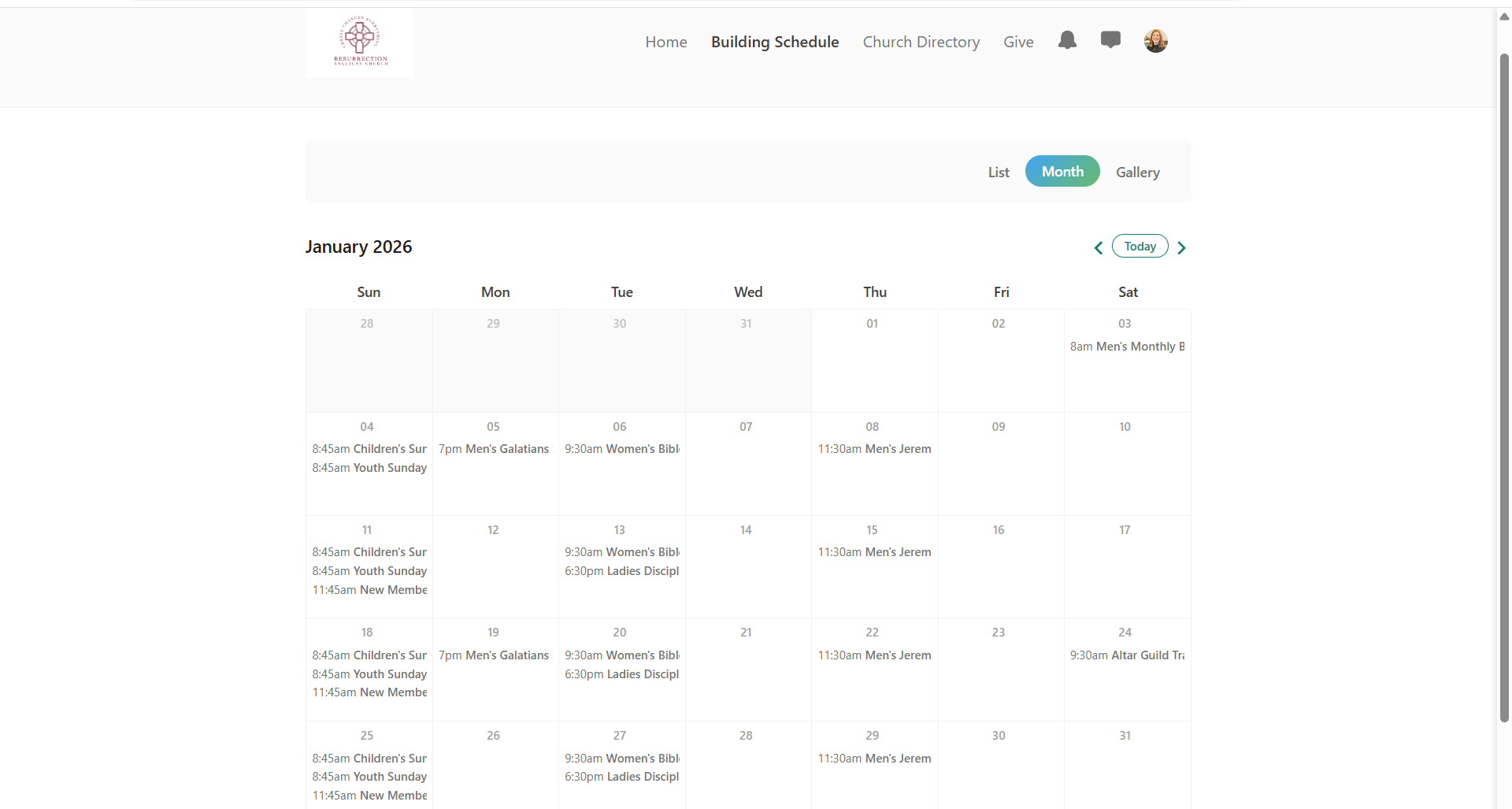
Or, on your desktop, you can view the monthly calendar
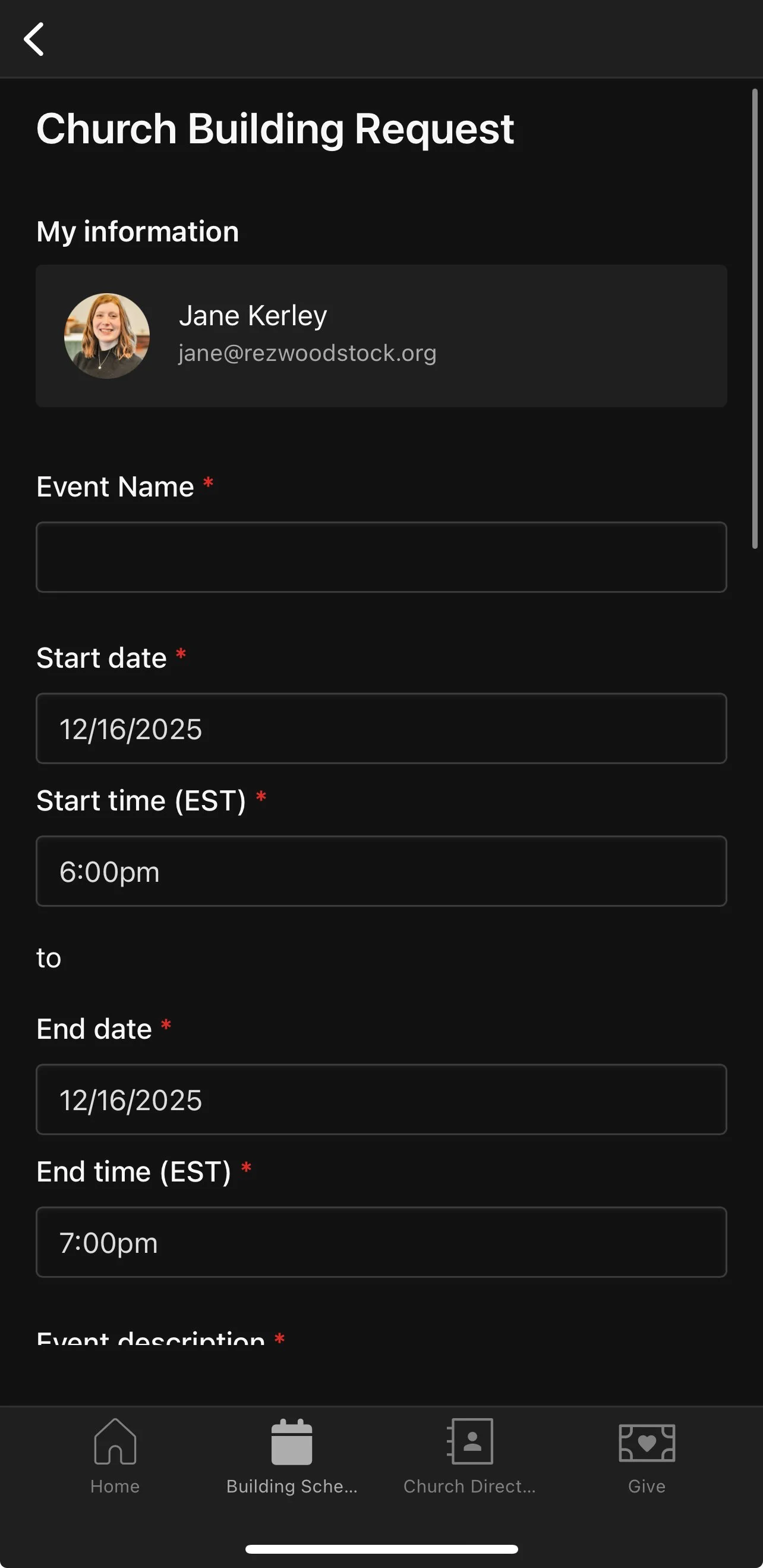
Once you click the link (the photo), you’ll be directed to fill out a form with information about your event or meeting. After completing your form, once it’s reviewed, you’ll get an email response about whether or not your event or meeting has been approved. If it’s approved, it’ll automatically show up in the Church Calendar.
How to request use of a room in Church Center
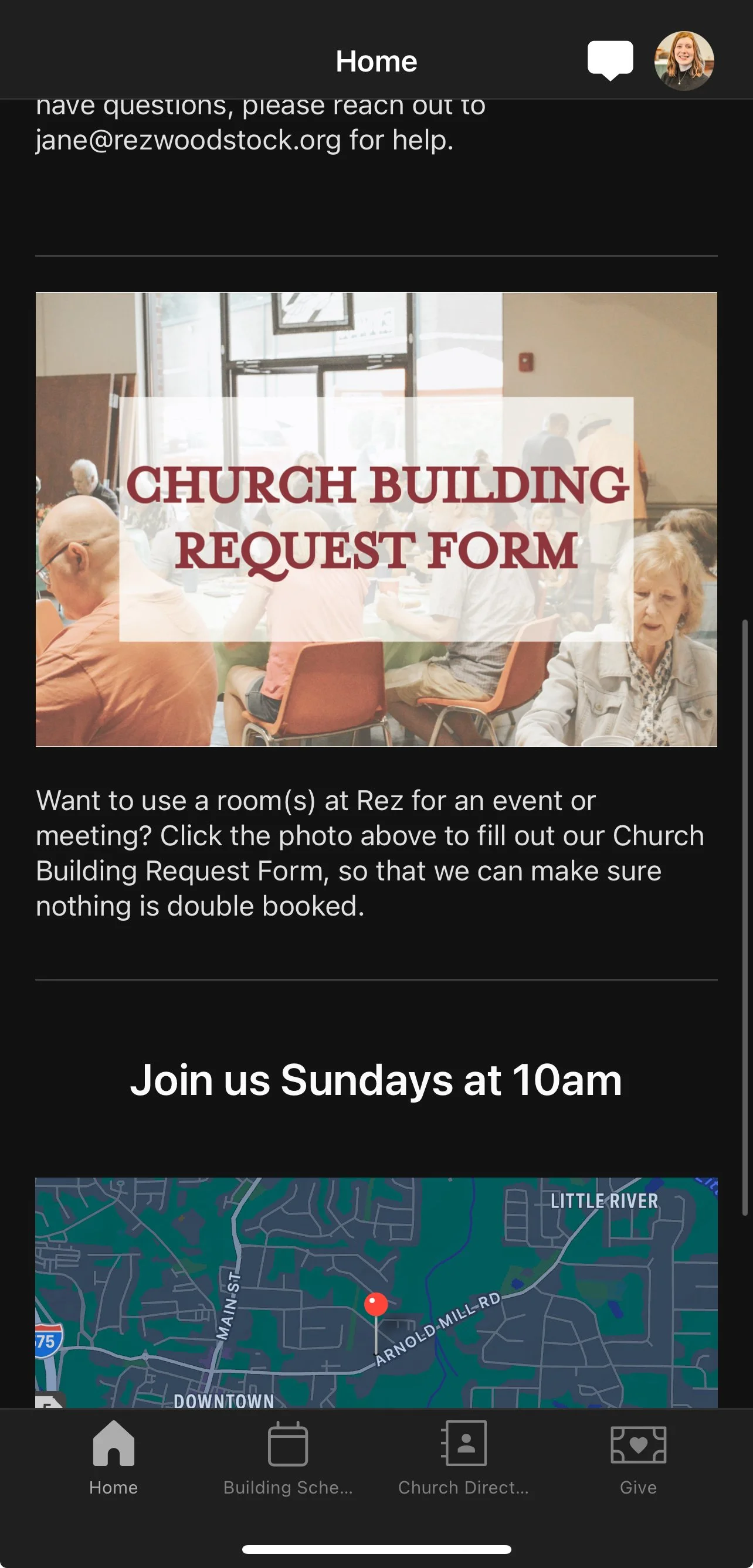
The link to the request form can be found on the home page of your Church Center app or webpage.