How to find the Directory in Church Center
Once you have access to the directory, it will show up in the main navigation of Church Center: in the mobile app it's along the bottom of the screen...
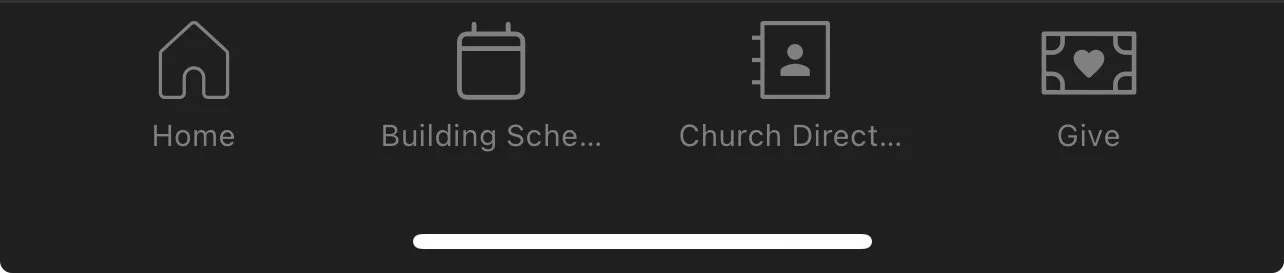
...and on the web it's along the top right.

HOW TO UPDATE YOUR DIRECTORY PROFILE
You may always edit what info is seen and what is hidden.
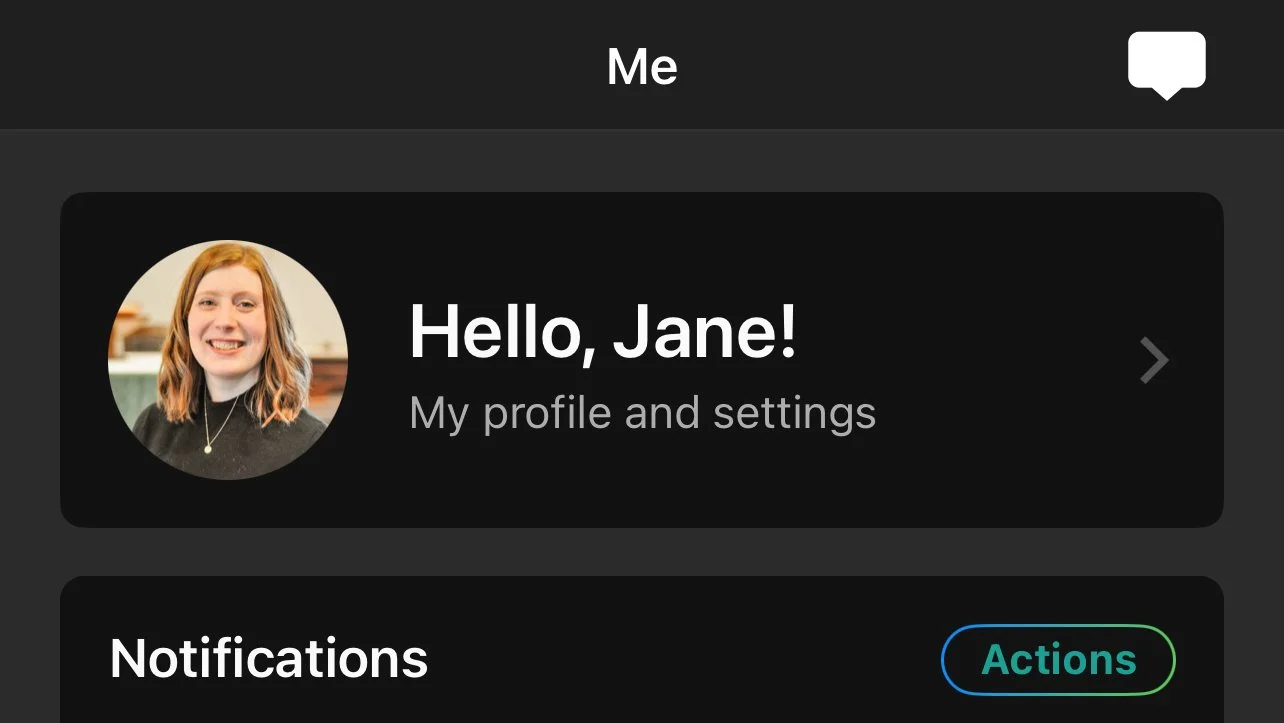
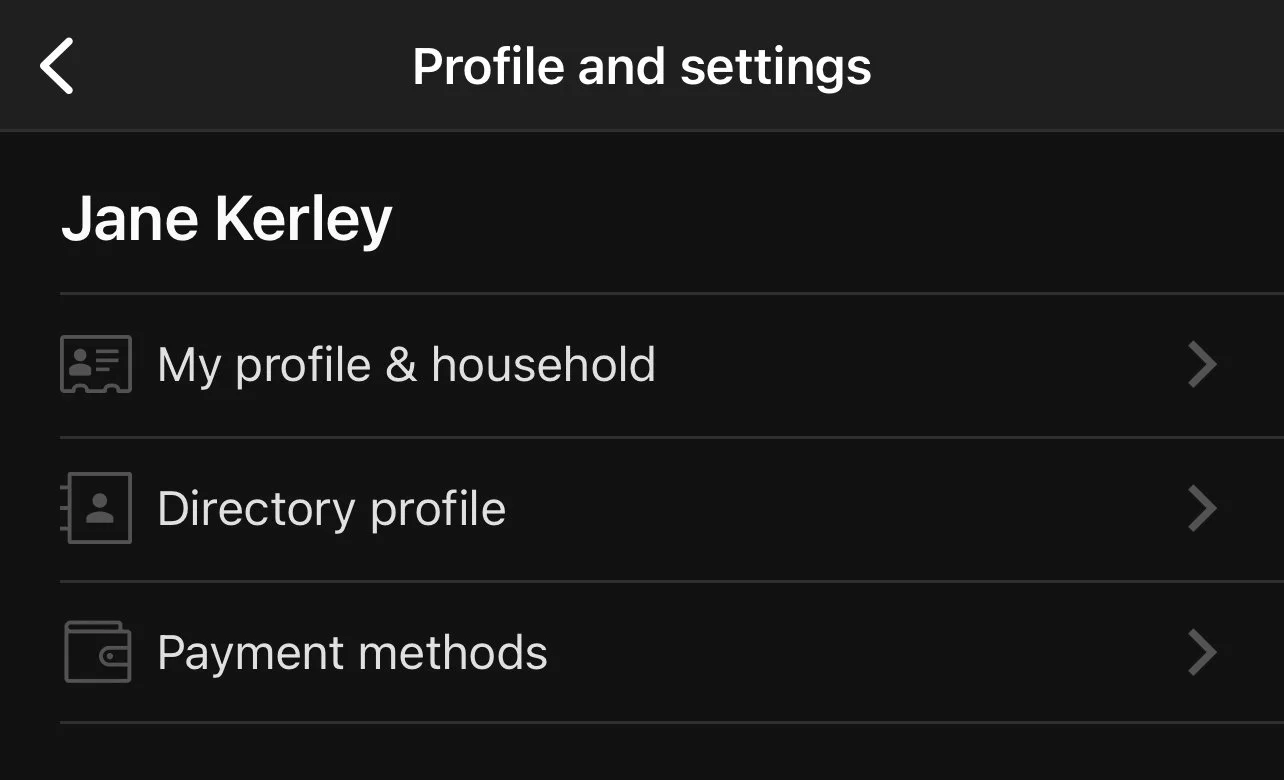
Start by clicking the circle with your picture or initials in the top right corner of the screen. Then select My profile and settings, and then Directory profile.
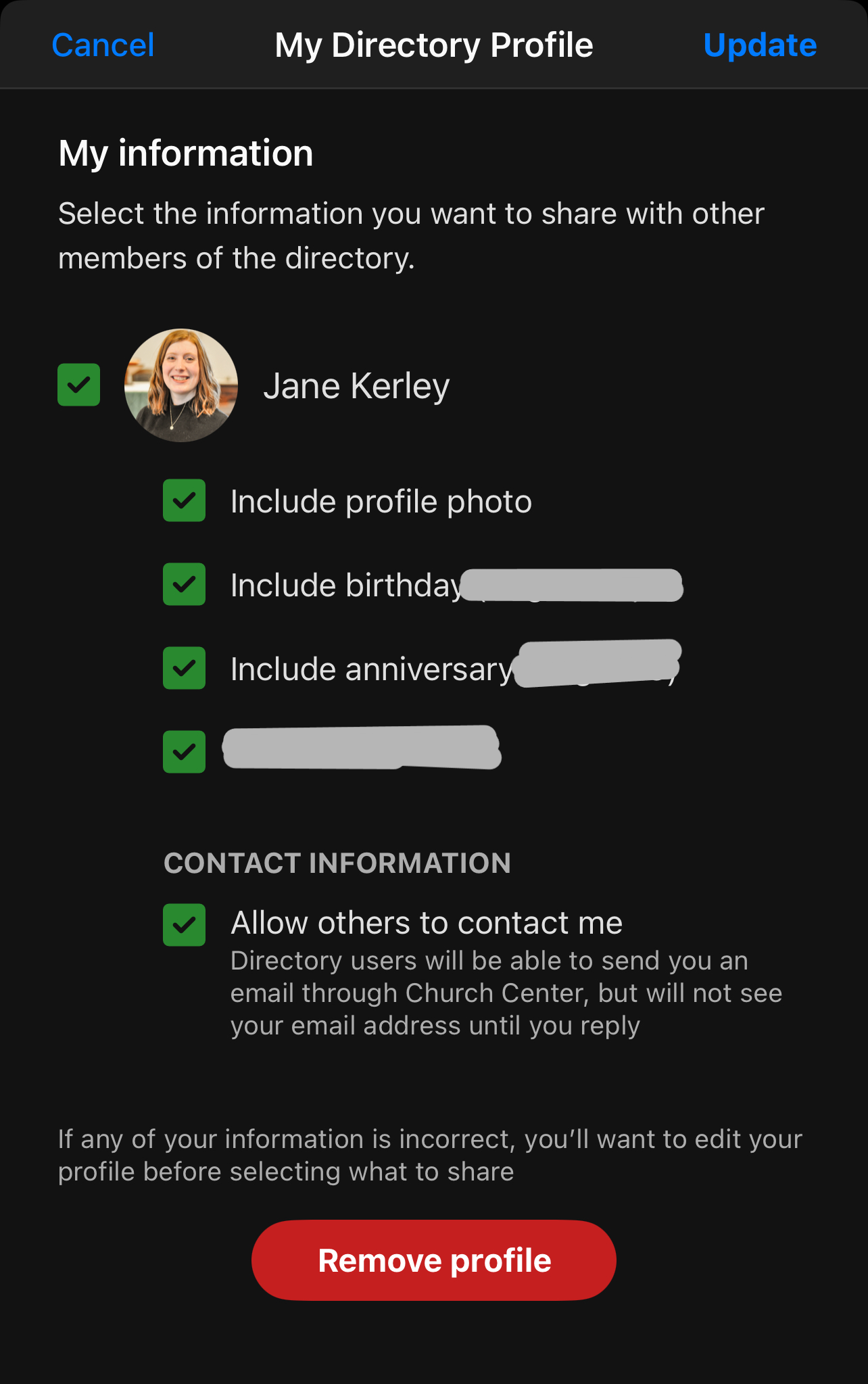
That'll open up a list of your information. Check the boxes next to the things you want to share in the directory.
If your family is set up as a household, you may also set what info is shown for your family. Just scroll down below your own information.
How to Edit your Information
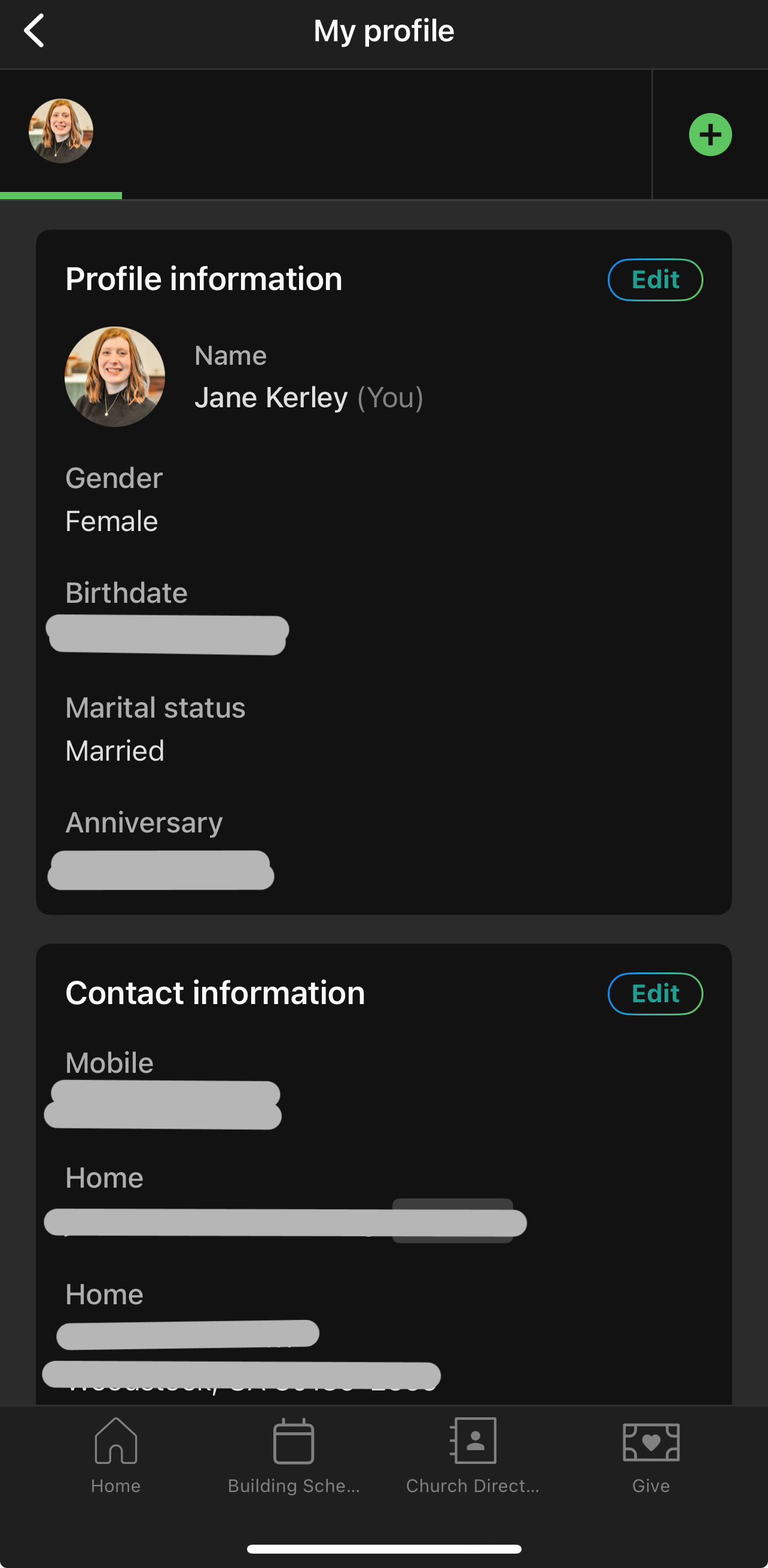
Start by clicking the circle with your picture (or initials) in the top right corner of the screen. Then select My profile and settings, and then My profile & household.
That'll open up a list of your information. Click the "Edit" button in the box with the content you'd like to change.
Some information can only be edited by an administrator. Please contact a member of church staff if you want to change any of the locked fields.
How to Add or Update a Personal Profile Picture
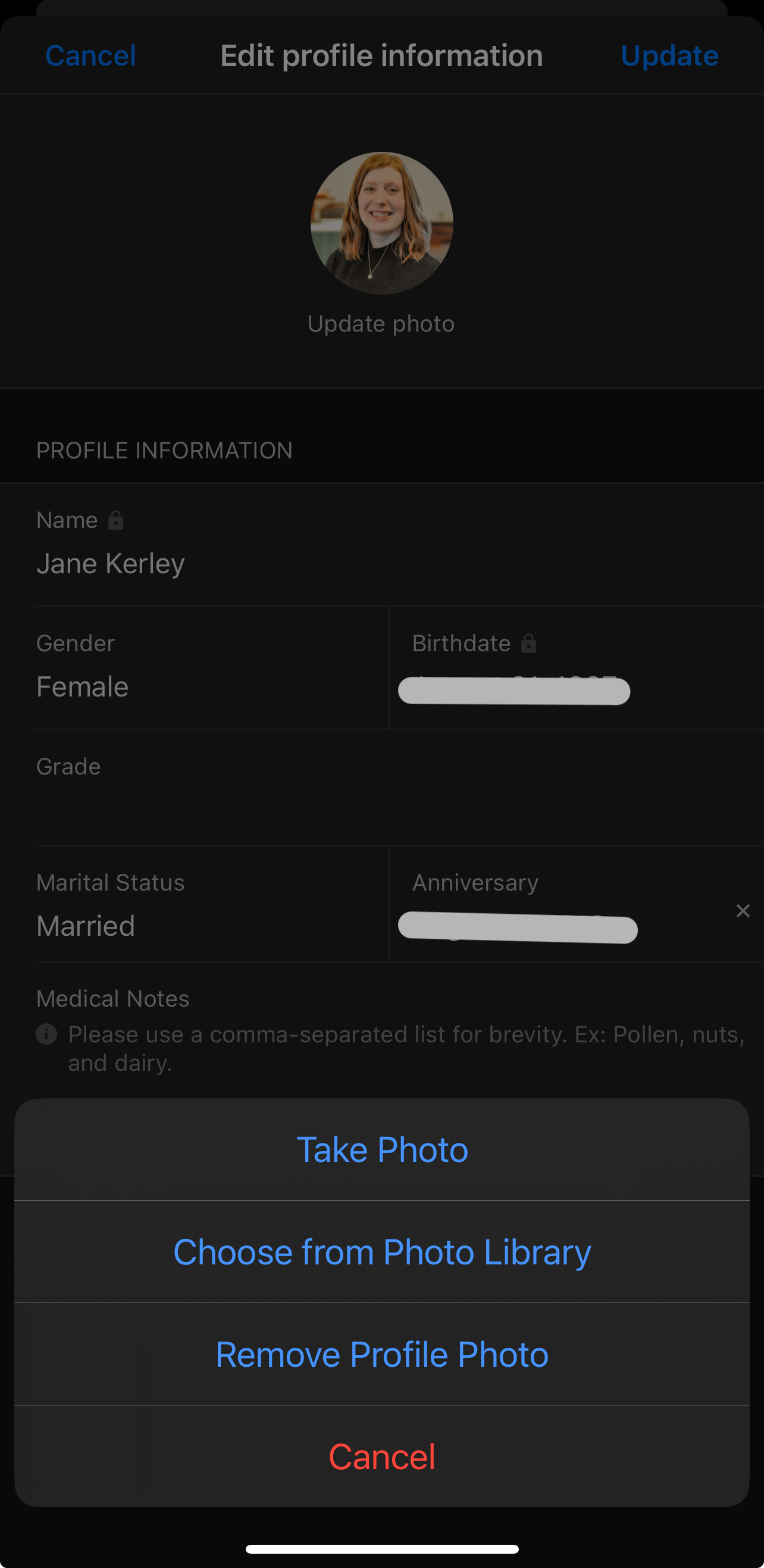
Follow the directions above to edit your information. When you get to the Edit profile information window, click the circle with your initials or an existing photo at the top.
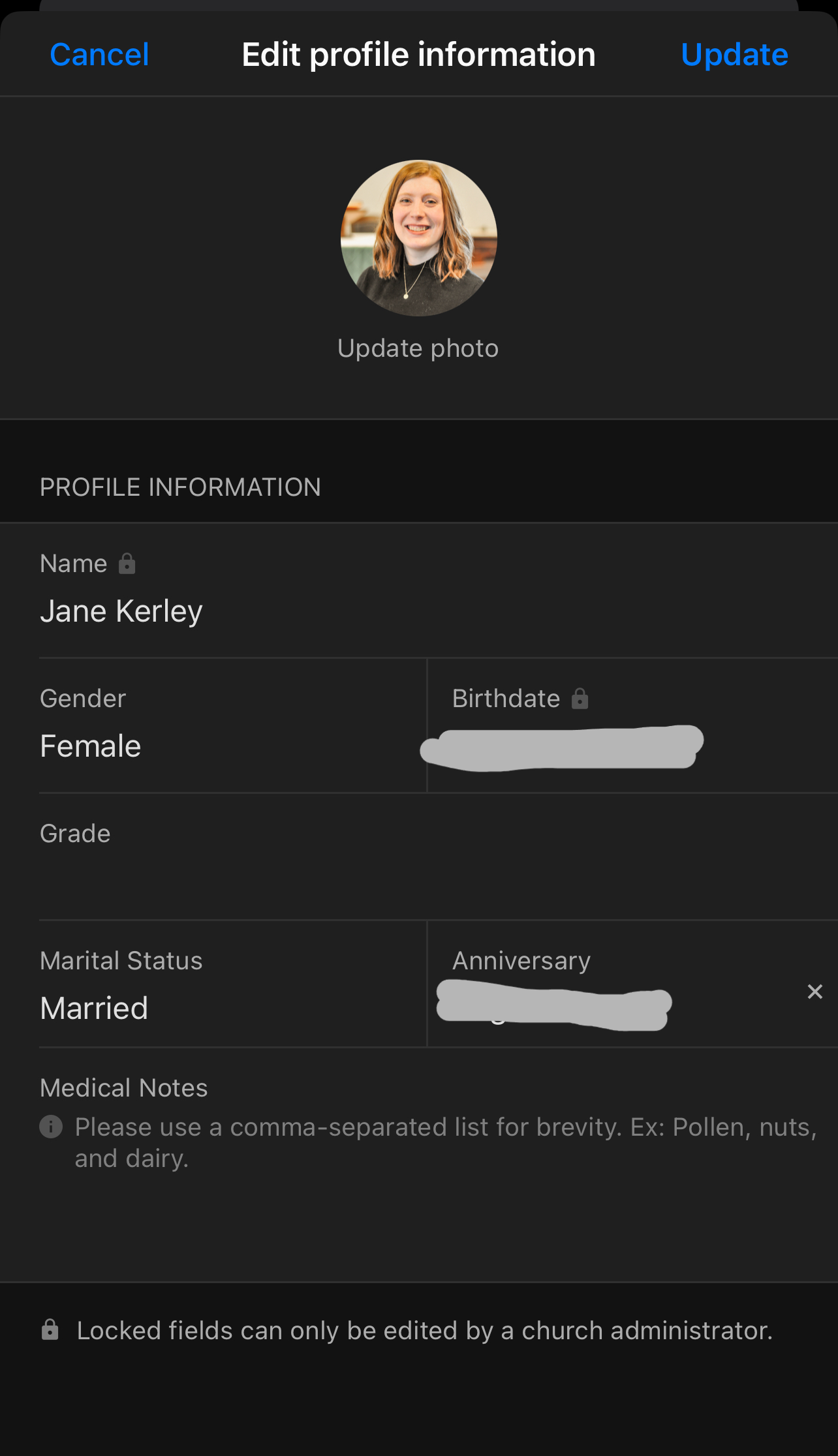
Click your initials to add a photo.
Click your photo to update it.
Don't forget to click Update in the top right when you're done!